


Dr. Omar Ali Al-Najras Clinic
An integrated digital solution for clinic management and patient experience across web and mobile
- Platforms
- Web and Mobile (cross-platform codebase)
- Languages
- Arabic · Turkish · English
- Availability
- Live web portal and Google Play app listing
A digital solution designed to bring Dr. Omar Ali Al-Najras Clinic together across web and mobile in a smooth trilingual experience. It combines a dedicated patient space for appointments and visits with a connected workspace for the doctor and clinic administration to organize schedules, clinical records, and daily operations.
Vision and Digital Clinic Experience
A modern medical clinic needs more than a static brochure page; it needs a clear digital channel that organizes appointment requests and follow-up flows, keeps patients connected with their doctor, and allows clinic administration to manage schedules and records through connected interfaces.
This solution was built to organize those needs within a dedicated application for Dr. Omar Ali Al-Najras Clinic, uniting its web presence and Android app on a shared codebase structured for expansion to additional platforms, with native support for Arabic, Turkish, and English from the very first screen. The project is tailored specifically to Dr. Omar's clinic and remains independent in scope and architecture from SINAD, a separate platform for multi-practice clinic management.
Visual Identity
The clinic identity combines a tooth motif and a medical cross with the doctor’s name, in turquoise tones that complement the application interfaces.
Inside the Application Interfaces
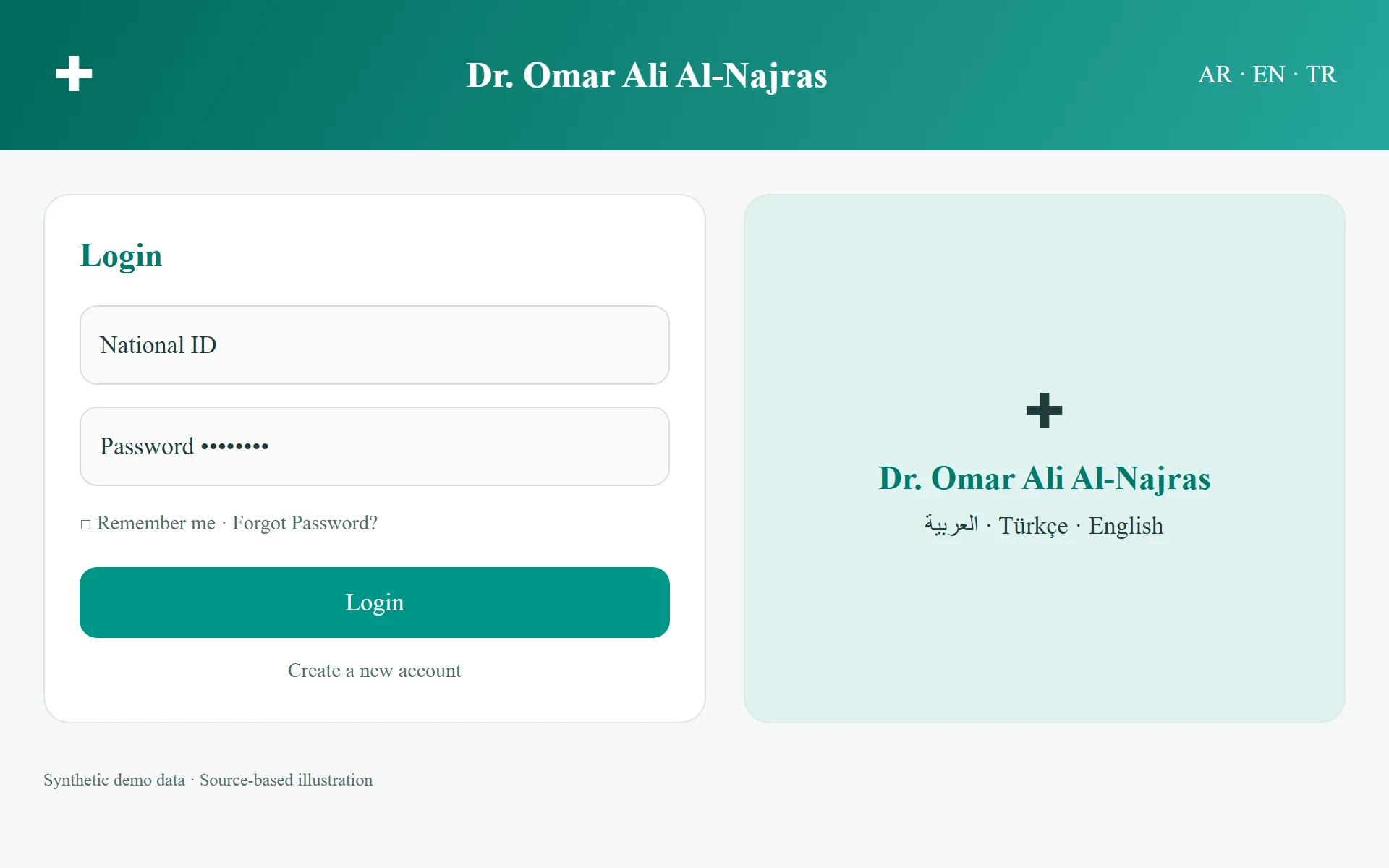
This gallery presents five parts of the clinic experience. Each image is labelled either as a capture of actual app components using synthetic demo data or as an illustrative preview reconstructed from the source.
Multilingual Sign-In Gateway
A streamlined entry point in Arabic, Turkish, and English featuring sign-in, account registration, password recovery, and direct clinic contact links.
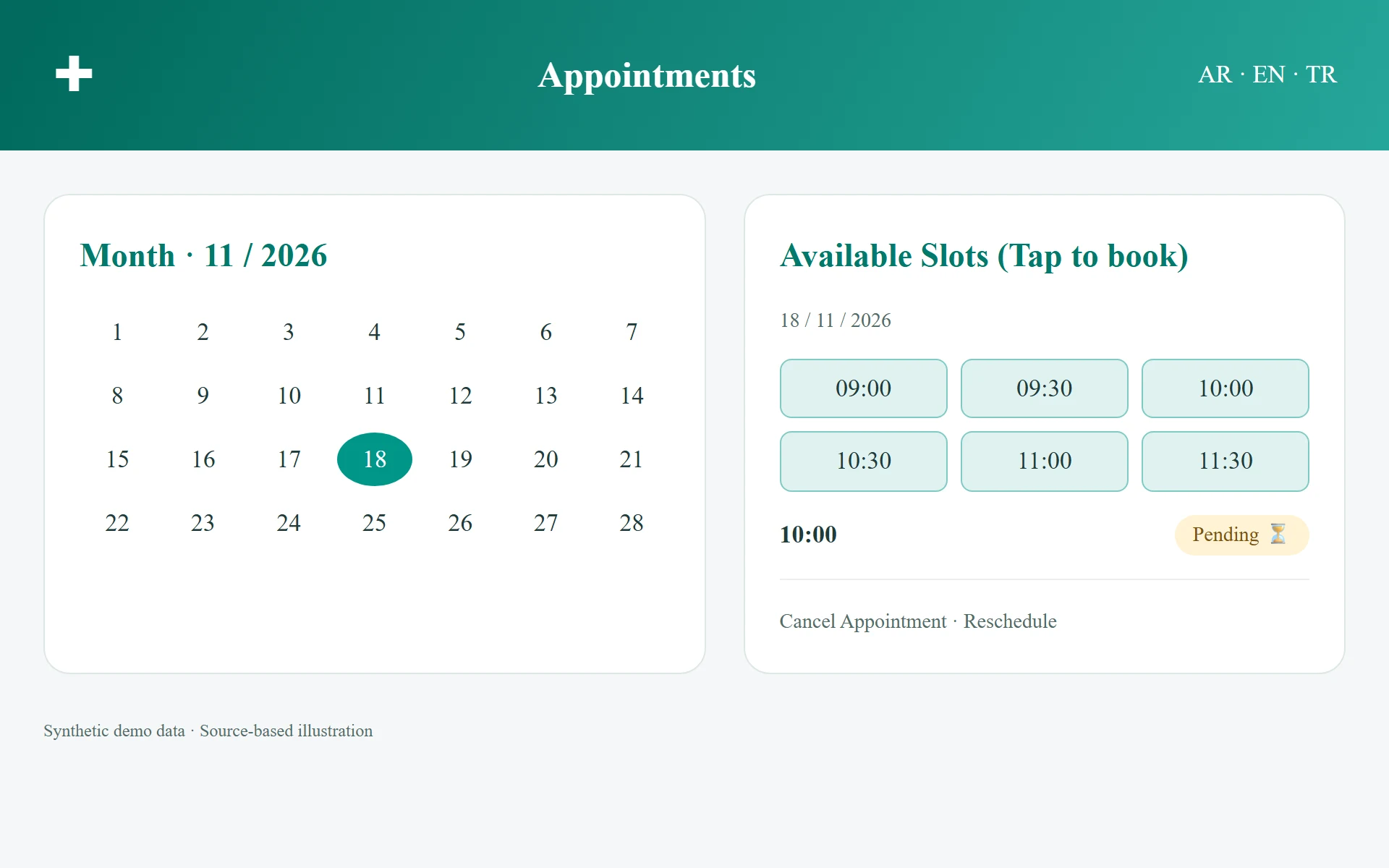
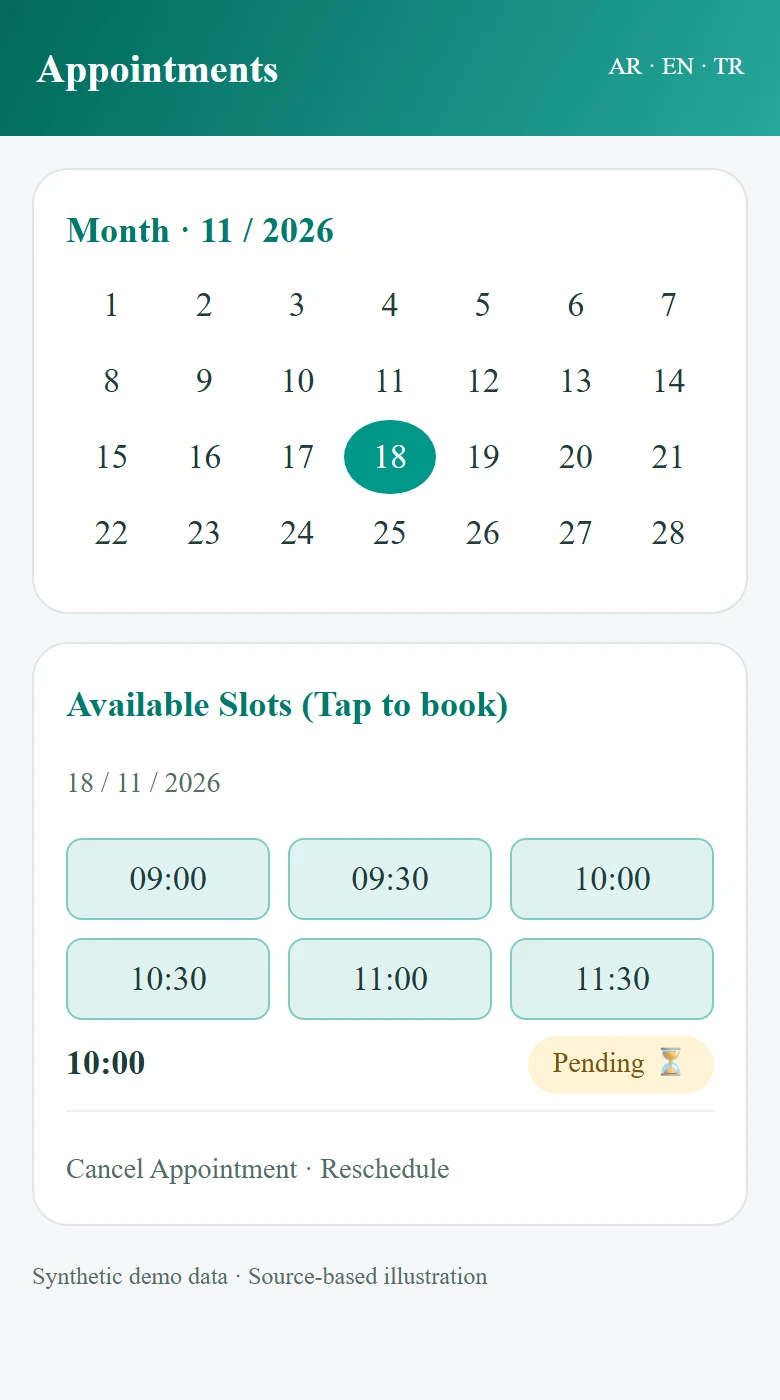
Patient Workspace and Appointments
A clean interface allowing patients to browse available times based on clinic branches and schedules, and submit, cancel, or reschedule appointment requests.
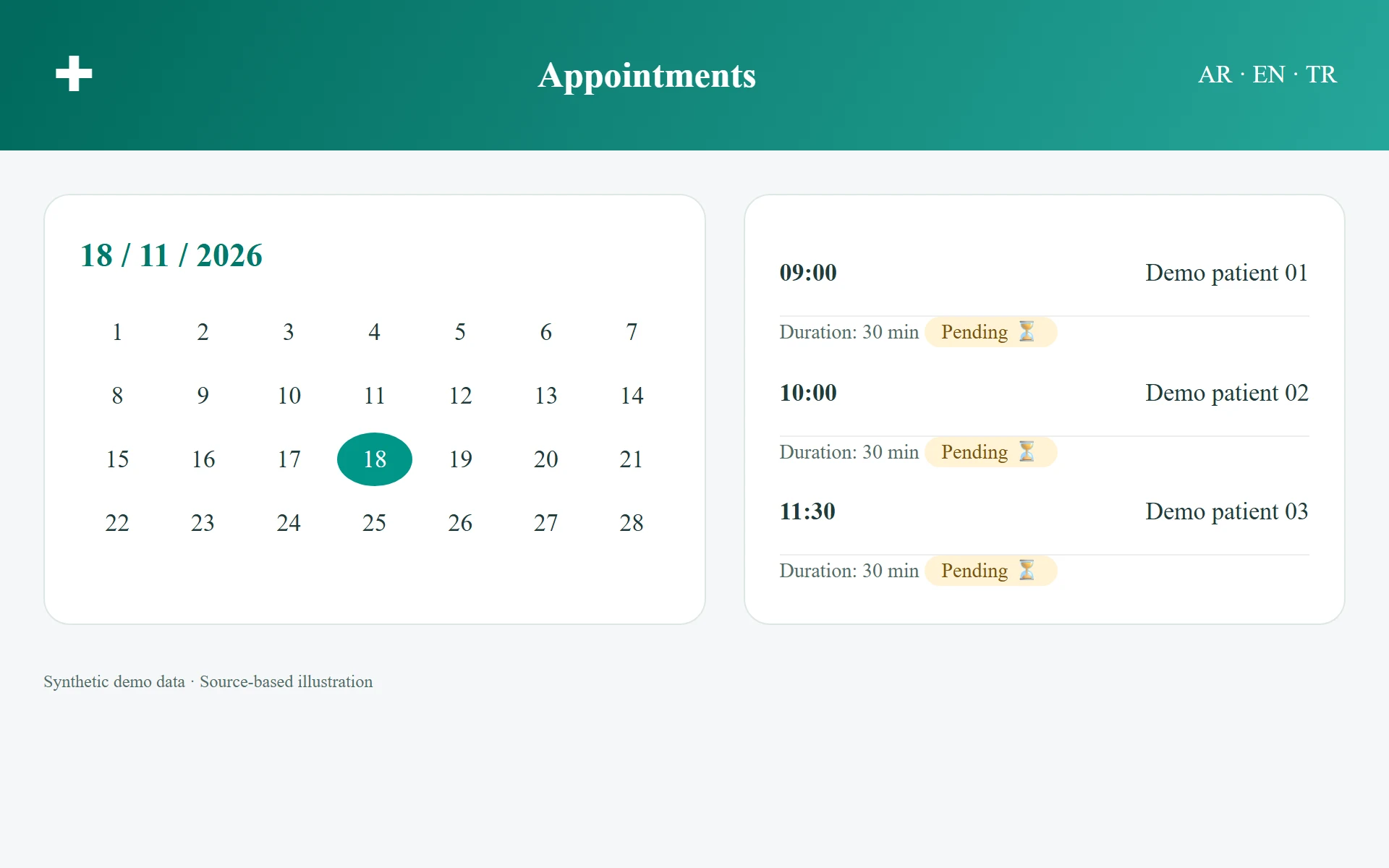
Doctor Dashboard and Daily Schedule
A central workspace bringing incoming appointment requests and statuses together, making it easy to organize the clinic day and jump directly into patient records.
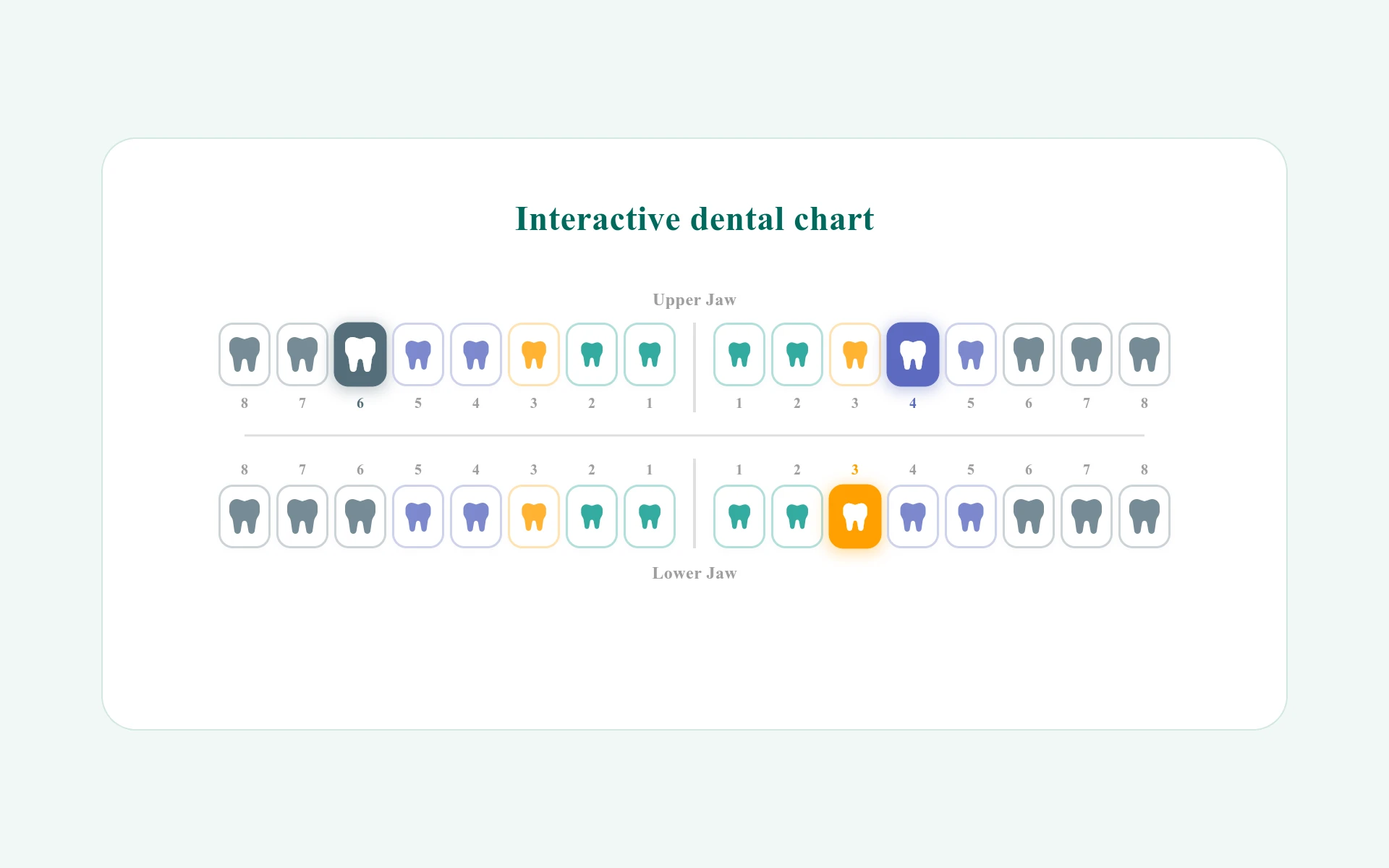
Patient Profile and Interactive Dental Chart
A structured view of visits and clinical images paired with an interactive dental chart for selecting teeth in the context of a visit.
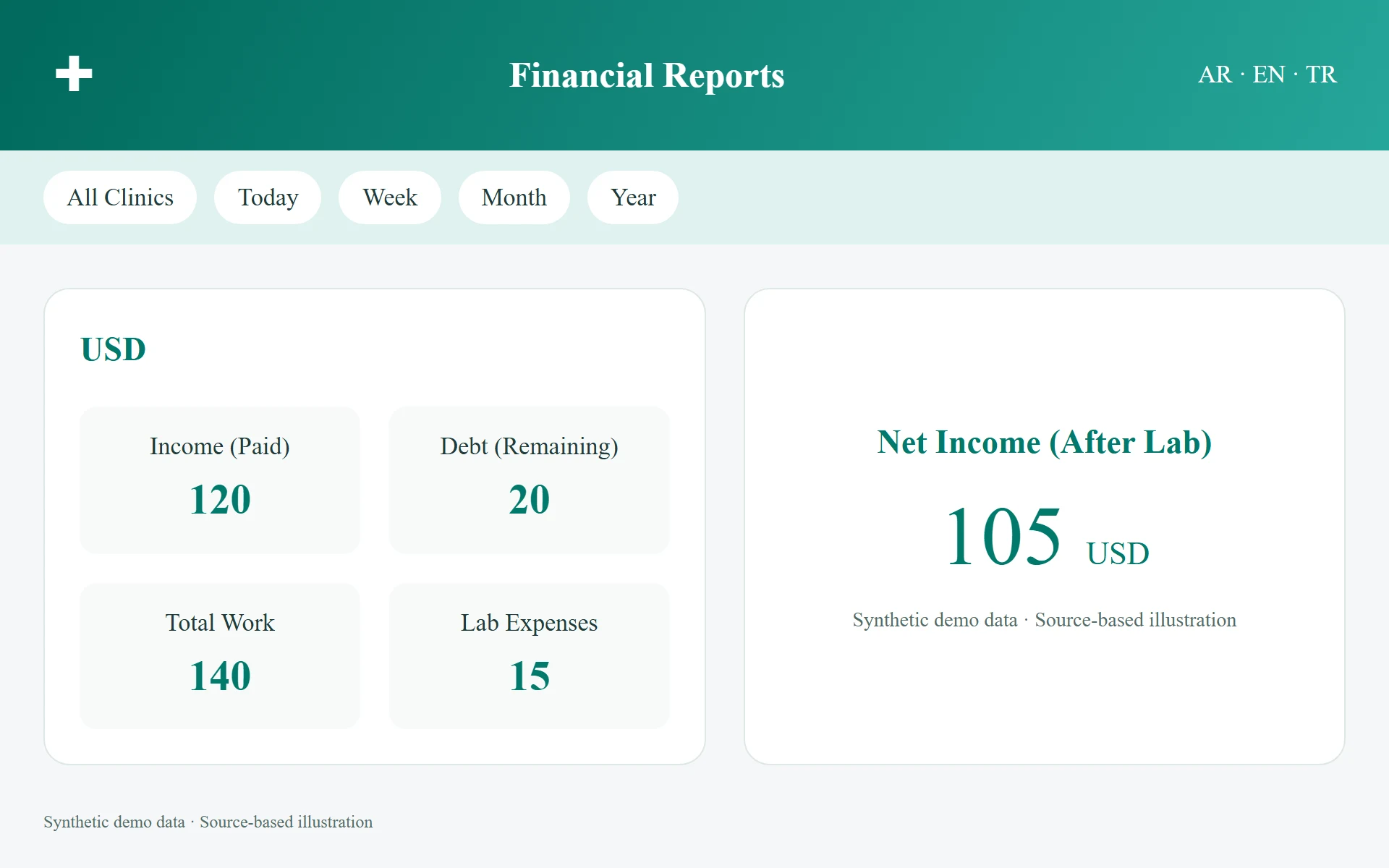
Clinic Management, Reports, and Content
Dedicated tools for financial reports, branch and working-hour configuration, service catalogs, clinic news, and the achievements gallery.
How the Solution Serves Patients and the Clinic
Capabilities are organized around both sides of the clinic experience so every user reaches their tools directly:
Patient Experience
- Submitting appointment requests, tracking request status, requesting cancellations or rescheduling, and supporting family visits.
- Notification flows and Android local pre-appointment reminder pathways.
- A personal profile presenting visit history and permitted clinical images alongside doctor details, clinic news, and achievements.
Clinician and Administration Experience
- Management of patient records, visits, clinical images, and the interactive dental chart.
- Configuration of branches, working schedules, and service catalogs, paired with clinic financial reporting.
- In-app management of doctor information, social links, clinic announcements, and the achievements gallery.
Appointment Journey and System Architecture
The workflow pairs a straightforward user experience with a direct technical structure, avoiding unnecessary intermediate layers.
Figure 01 — Appointment Request Journey
Schedule:
Reading clinic working hours, branches, and existing appointments.
Time Slot:
Selecting a period according to the schedules and bookings handled by the app.
Request:
Composing and submitting an individual or family appointment request.
Pending:
PendingRecording the request with a pending status alongside a clinician notification path.
Follow-Up:
Supporting cancellation and rescheduling paths, plus the Android-only local reminder pathway.
Figure 02 — Digital System Architecture
Interface Layer:
Shared Flutter codebaseWebAndroidApplication Core:
Patient screensClinician screensData modelsLanguageCubitAppointmentController- Direct cloud connections
Cloud and Supporting Services:
Firebase AuthenticationCloud FirestoreCloud StorageFCMAnalyticsNative platforms: CrashlyticsLocal reminder — Android
Web interface and Android app built from a shared
Fluttercodebase.Patient and clinician screens, data models,
LanguageCubitfor localization, andAppointmentControllerfor appointment flows, alongside direct cloud connections from screens where needed.Firebase Authenticationfor accounts,Cloud Firestorefor records, schedules, and settings, andCloud Storagefor clinical imagery—supported byFCMnotifications,Analytics, and native-platformCrashlyticsand local reminders.
Technology, Contribution, and Links
Tools and Technologies
Interface and Cross-Platform:
Flutter · Material 3 · Trilingual ARB localization · LanguageCubit.
Accounts and Data:
Firebase Authentication · Cloud Firestore · Cloud Storage · AppointmentController.
Alerts and Monitoring:
Firebase Cloud Messaging · Android local reminders · Analytics · Crashlytics.
Public Access and Scope
The published trilingual web entry point is available online, and the Android app is listed on Google Play. Descriptions and interface previews of protected patient and clinician journeys are drawn from the application's source code using synthetic demo data to safeguard patient privacy and clinic accounts.
Project Links
- Visit Website
Website: alnajrasclinic.com
- Get the App
Android App: Dr. Omar Ali Al-Najras on Google Play
- GitHub Docs
Additional Documentation: